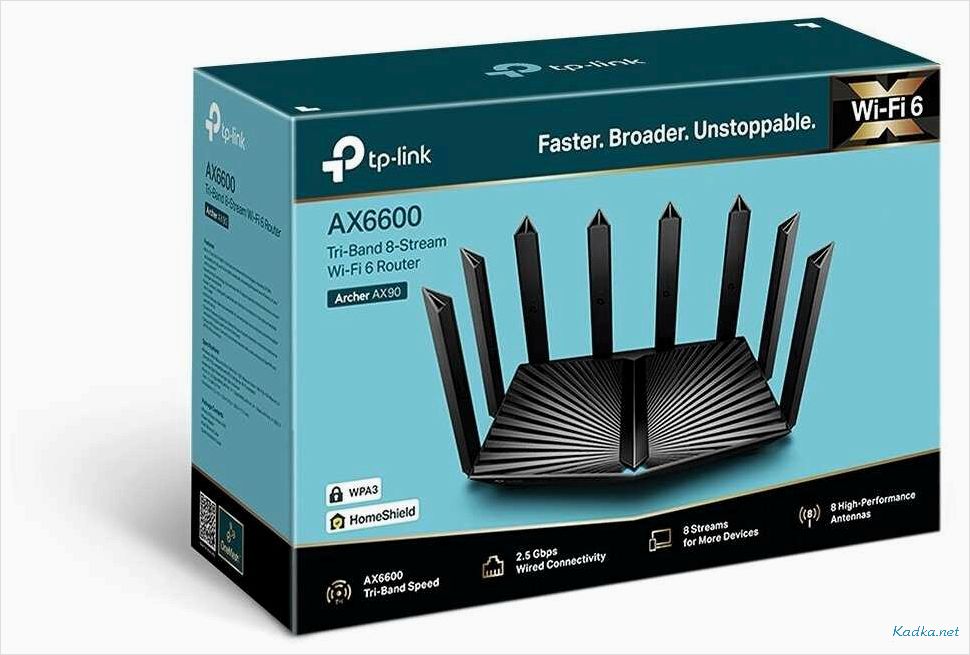
Wi-Fi router TP-LINK Archer AX90
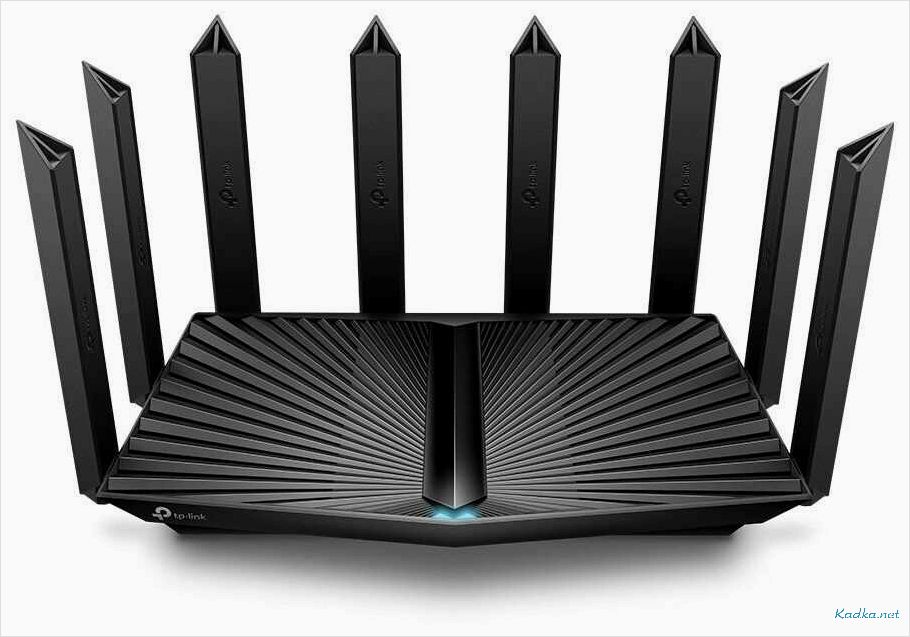
TP-LINK Archer AX90 is a powerful new generation Wi-Fi router that allows you to create a stable and fast network with high throughput. It is equipped with the latest version of Wi-Fi 6 technology (802. 11ax) and provides data transfer speeds of up to 6 Gbps, which is 3 times faster than previous versions.
Contents of the article:
Tp-link Archer AX90 has a large coverage area and can transmit data to multiple devices simultaneously. Thanks to MU-MIMO (Multi-User Multiple-Input Multiple-Output) technology, each connected device receives the maximum available data transfer rate, without reducing overall network performance.
TP-LINK Archer AX90 has a built-in USB port and 8 Gigabit Ethernet ports for connecting devices over a wired network. The router also supports WPA3 and OFDMA technologies, ensuring the security and efficiency of data transfer.
TP-LINK Archer AX90 is the ideal choice for creating a fast and reliable home or office network where maximum data transfer speeds and a large coverage area are required.
Wi-Fi router TP-LINK Archer AX90
Benefits
- High-speed Wi-Fi to all devices
- Maximum speed up to 6 Gbps
- High-quality and stable work
- Supports modern Wi-Fi 6 standards
- Convenient control using the TP-Link app
Description
The TP-LINK Archer AX90 Wi-Fi router has high performance and allows you to provide Wi-Fi to all devices with a maximum speed of up to 6 Gbps. This is achieved by supporting modern Wi-Fi 6 standards and Beamforming+ and OFDMA technologies.
The device is very convenient to work with: it can be controlled via the TP-Link application, which allows you to configure the router, manage the Wi-Fi network and control devices connected to the network.

Specifications
- Wi-Fi standards: Wi-Fi 6 (802. 11ax), Wi-Fi 5 (802. 11ac/n/a), Wi-Fi 4 (802. 11n/b/g)
- Wi-Fi speed: up to 6 Gbps
- Wi-Fi frequencies: 2. 4 GHz and 5 GHz
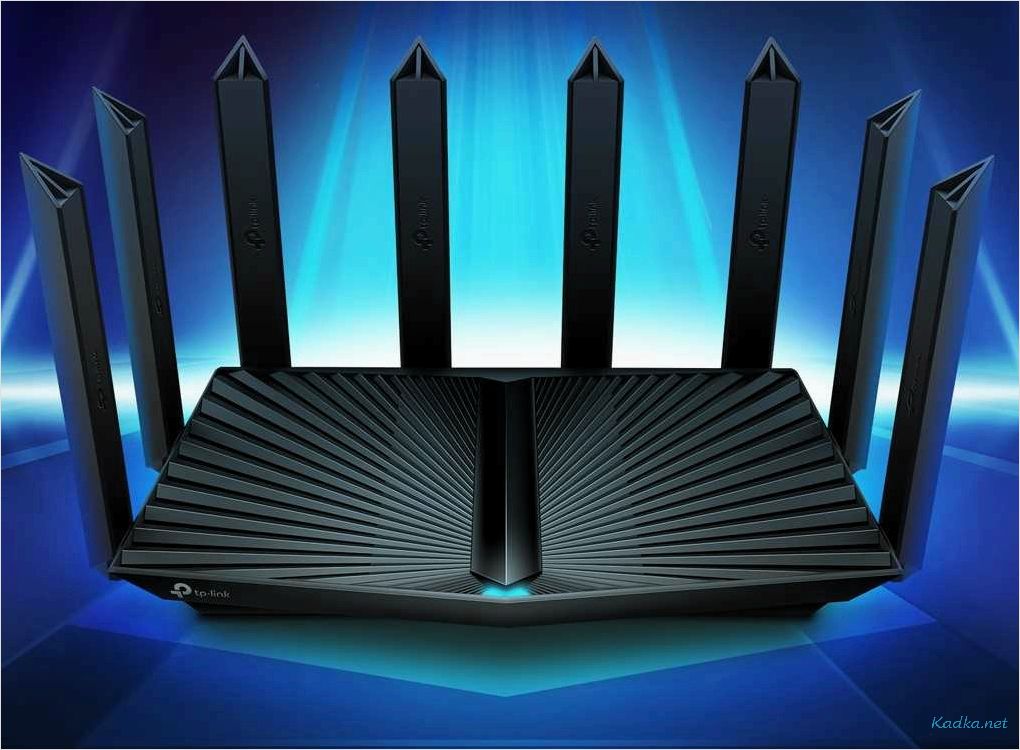
- Number of antennas: 8
- Functionality: VPN server support, parental controls, etc.
Advantages and features of the TP-LINK Archer AX90 Wi-Fi router
High speed Wi-Fi
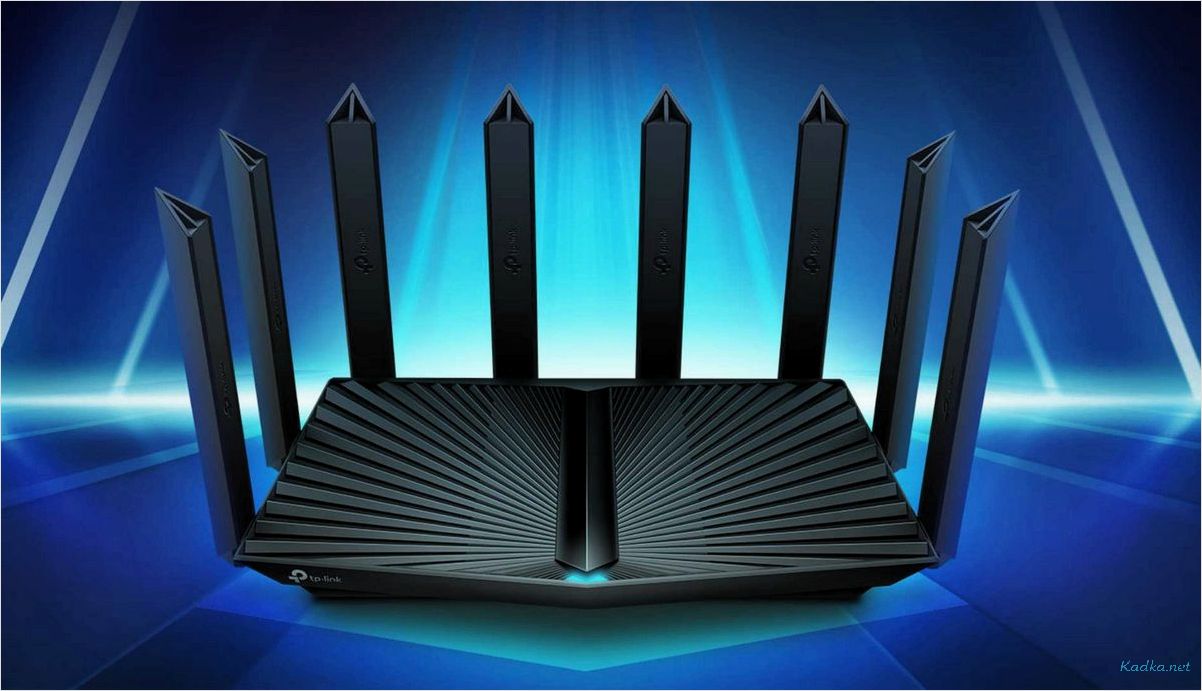
The TP-LINK Archer AX90 Wi-Fi router provides high Internet speeds of up to 6 Gbps, which allows you to download large files faster and stream content in high definition without any problems.
Convenient user interface
TP-LINK Archer AX90 has an intuitive user interface that makes setting up and using the router easy, even for novice users.
High security
The TP-LINK Archer AX90 has advanced security features to protect your network from hacks and malware. It also supports Wi-Fi Protected Access (WPA3), the most robust Wi-Fi security protocol available today.
Compatible with Wi-Fi 6 devices
Router tp link Archer AX90 supports Wi-Fi 6, which provides better performance compared to previous versions of Wi-Fi. This means you can enjoy a lag-free and glitch-free experience on all your devices that support this technology.
Multiple ports
TP-LINK Archer AX90 has multiple ports to connect a variety of devices, including Gigabit Ethernet ports. This allows you to connect gaming consoles, PCs or other devices to the router for a stable and fast connection.
Guest Wi-Fi network
With the TP-LINK Archer AX90, you can create a guest Wi-Fi network that your guests can use. This makes it possible to keep your core network secure without revealing your account passwords.
- High speed Wi-Fi
- Convenient user interface
- High security
- Compatible with Wi-Fi 6 devices
- Multiple ports
- Guest Wi-Fi network
Technical specifications of TP-LINK Archer AX90
Standards and protocols
- Wi-Fi 6 (802. 11ax)
- Wi-Fi 5 (802. 11ac)
- Wi-Fi 4 (802. 11n)
Data transfer rate
- Wi-Fi speeds up to 6000 Mbps (4804 Mbps on 5 GHz and 1148 Mbps on 2. 4 GHz)
- 10/100/1000/2500 Mbps Ethernet ports for LAN and WAN
Technologies and functions
- 8 remote antennas
- MU-MIMO (multi-user multiple input/output)
- Beamforming (directional radio communication)
- OFDMA (orthogonal frequency division multiple output)
- Smart Connect (smart connection)
- TP-Link HomeShield (home network protection)
Dimensions and more
- Dimensions: 294 x 252 x 66 mm
- Weight: 1. 73 kg
- Power: 100-240 V AC, 50/60 Hz
- Additionally: supports IPTV and VLAN, has USB 3. 0 ports
Setting up and managing the tp link archer ax90 router
1. Connect to the router
To get started with the TP Link Archer AX90, connect the router to the internet and power it on. Once powered on, the indicators on the end panel of the router will light up, indicating network and Wi-Fi connectivity.
Next, connect to the router via a computer or smartphone. Find the router’s network name in the list of available Wi-Fi networks and enter the password to connect. By default, the password is printed on the router’s base.
2. Setting up the router
To configure the TP Link Archer AX90, go to 192. 168. 1. 1 in your browser and enter your username and password. By default, the username and password are printed on the router’s base. After successful authorization, you can proceed to router configuration.
In the router settings section, you can specify the Wi-Fi network name, network access password, set speed and traffic limits, configure MAC address filtering, and many other parameters. Make sure to save the settings after making changes.
3. Router management
To manage and monitor the TP-LINK Archer AX90, we recommend using the Tether app, which is available for smartphones and tablets. The app allows you to quickly configure and manage the router, as well as test your connection speed.
In the Tether app, you can view a list of connected devices, restrict access to certain resources, set up parental controls, and much more.
You can also manage the router via the web interface using a computer browser. To do this, enter the router’s IP address in the browser’s address bar and log in.
Securing the TP-LINK Archer AX90 Wi-Fi Router Connection
Wi-Fi network access password
The most important aspect of connecting to a Wi-Fi network securely is using an access password. In order to protect the tp link archer ax90 Wi-Fi network, you must set a password and not share it with anyone except those users you trust.
You should use a complex password containing letters, numbers and symbols. The password must be at least 12 characters long. You should not use passwords that contain personal information such as your date of birth, address or name.
Updating the firmware of the TP-LINK Archer AX90 router
Updating the firmware of your TP-LINK Archer AX90 Wi-Fi router is another important aspect of security. It helps eliminate vulnerabilities that could be used by attackers to hack your network.
TP-LINK regularly releases firmware updates for its devices, including the Archer AX90. The firmware update procedure is simple and can be completed in a few clicks through the router’s web interface.
Restricting network access by MAC address
An additional level of security is restricting access to the Wi-Fi network by MAC address. A MAC address is a unique identifier for a device that can be used to determine whether it is allowed to access a network or not.
TP-LINK Archer AX90 allows you to create a list of allowed and denied MAC addresses, allowing you to restrict access to your network to unauthorized devices.
User reviews about the TP-LINK Archer AX90 router
High internet speed
Many users note that the tp link archer ax90 router provides very fast Internet speed. This is especially noticeable when several people work on the Internet at the same time. No problems downloading or watching online videos.
Easy setup
Many reviews focus on the ease of setting up the tp link archer ax90 router. Users say that setup takes only a few minutes and is easy even for inexperienced users.
Reliability
Users note that the tp link archer ax90 router is very reliable. It never loses connection or shuts down for no reason. In addition, it does not heat up, as happens with many other routers.
Excellent coverage
Many users note that the coverage radius of the tp link archer ax90 router is very good and does not leave any “blind spots”. Even if you are far from the router, you will still get a great signal.
Compatibility with other devices
Some reviews say that the tp link archer ax90 router has good compatibility with other devices. This means that it connects easily to any device and works reliably.
Overall, users are very happy with the tp link archer ax90 router and recommend it to anyone looking for a fast, reliable and easy to use router.